
Your expertise, right where your teams work.
Mayday lets you take full advantage of your knowledge base, whether it's through the leading tools on the market, your in-house tools, or your AI assistants.
No more questionable copy-and-paste operations between your tools.
An AI connection to your data, with your permission.
Already integrated with your teams' tools.
Our native integrations deliver knowledge right where your advisors work—within the market’s leading tools—and bring your information sources together in Mayday.



Your Notion pages have been imported as articles, and your SharePoint documents are now viewable in Mayday
Our Native Integrations


Our native integrations cover the most widely used tools on the market.
And what about everything else?
Your in-house business tool, internal workflow, or AI agent does not have access to your knowledge.
The result: back-and-forth exchanges, questionable copy-and-paste jobs, and context getting lost along the way.
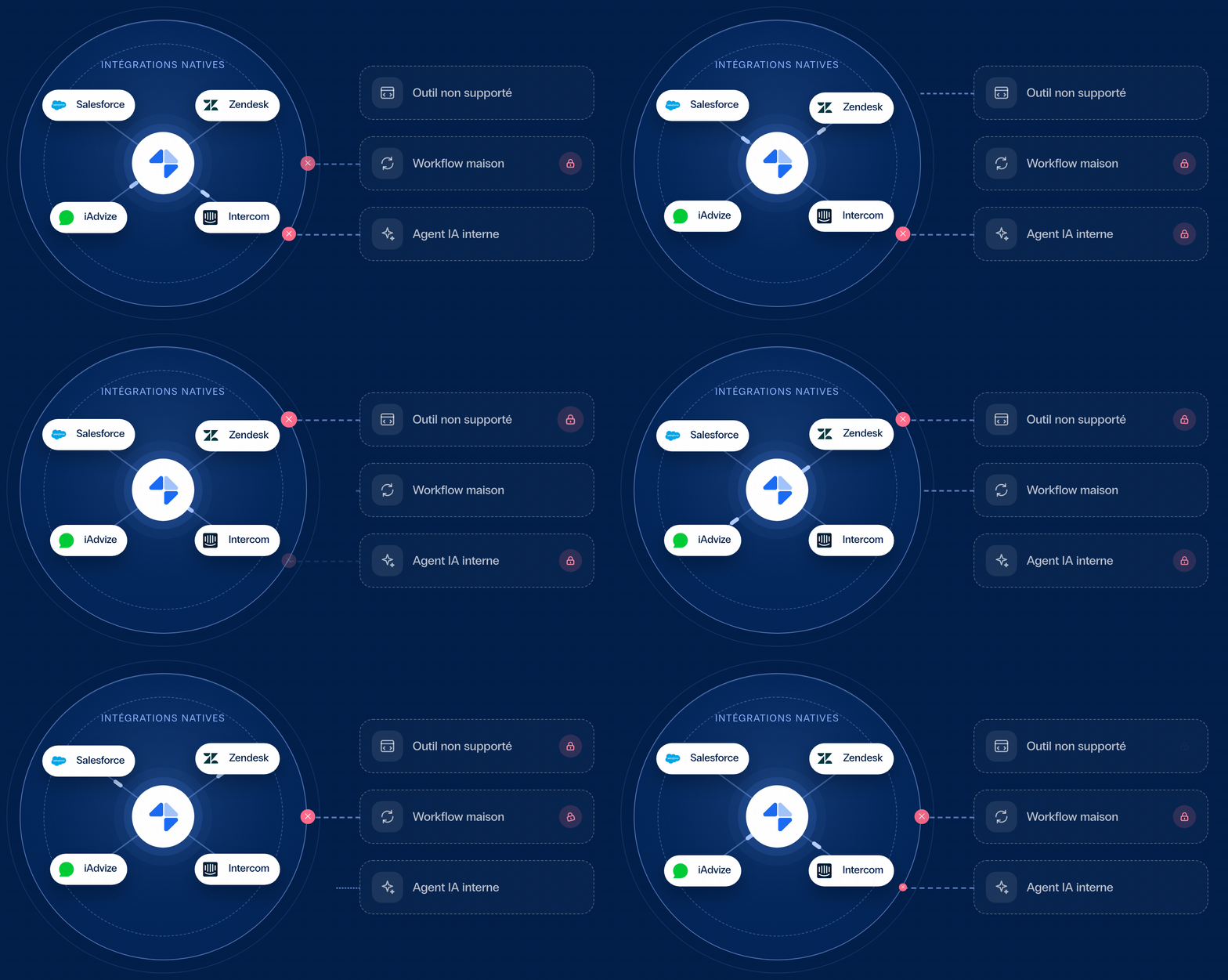
Make your knowledge truly usable and accessible anywhere.
Mayday Connect consists of the Mayday API and the MCP, which is built on top of it: your database is accessible to both your teams and your AI agents, wherever they work, without having to wait for native integration.
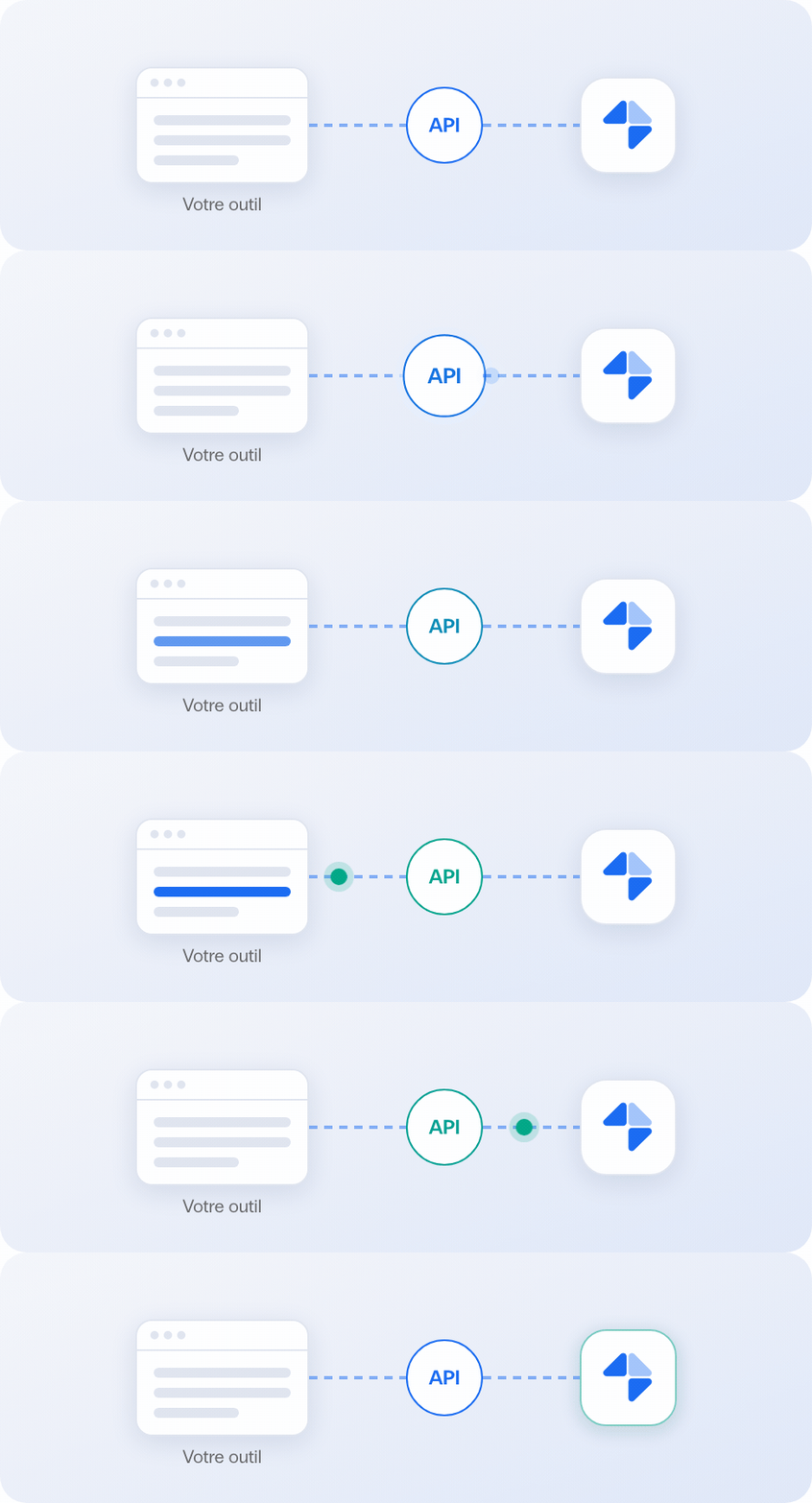
The API: Mayday custom-integrated into your applications.
The foundation of Mayday Connect: Your developers integrate Mayday with your business tools at the right point in the customer journey.


The same call, the same result, every time it runs
The MCP: the same API, open to your AI tools.
The MCP is based on the API: its tools use the API's endpoints. What your developers used to have to code, your AI assistant does on its own, based on a single question.
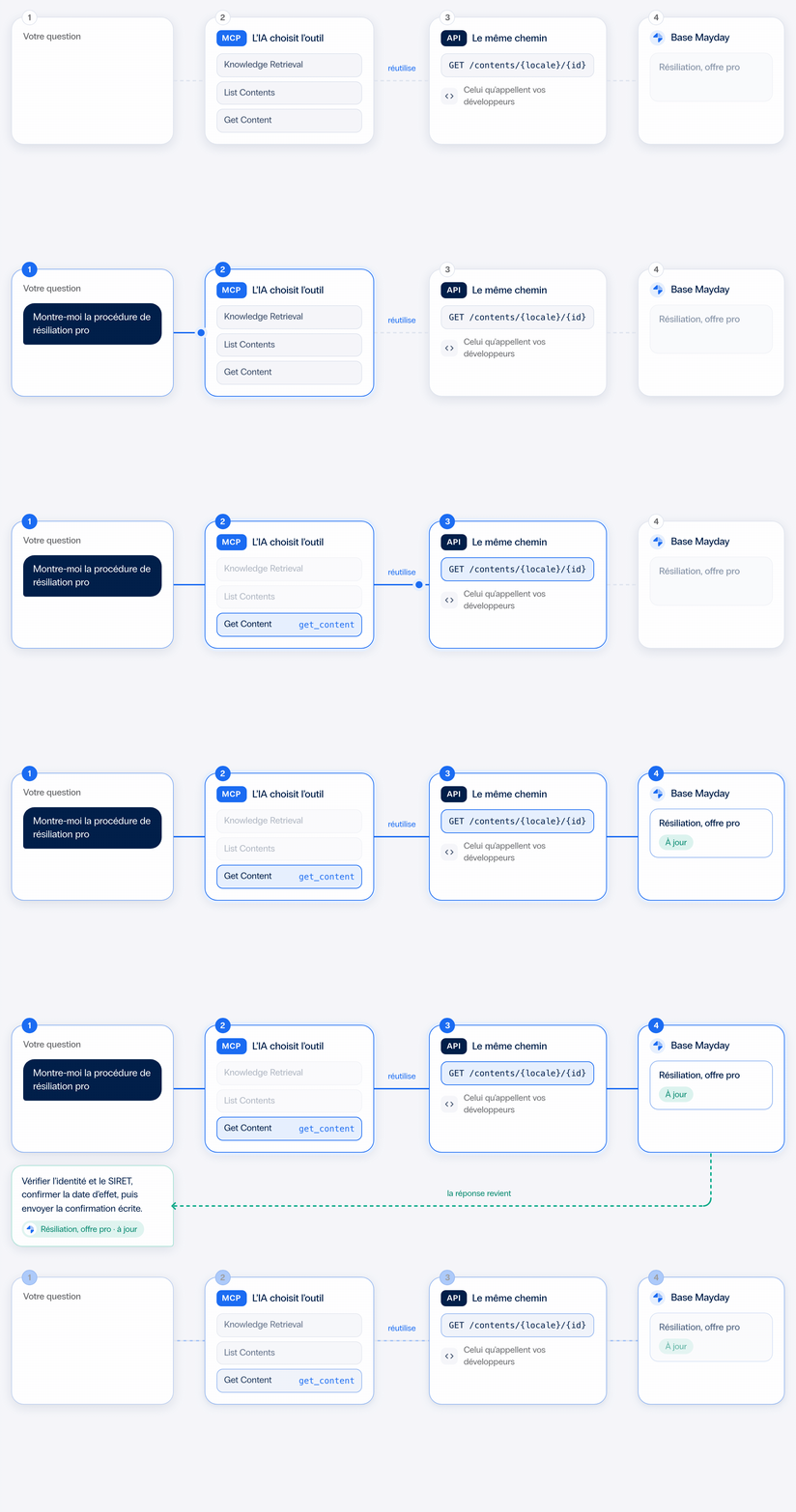


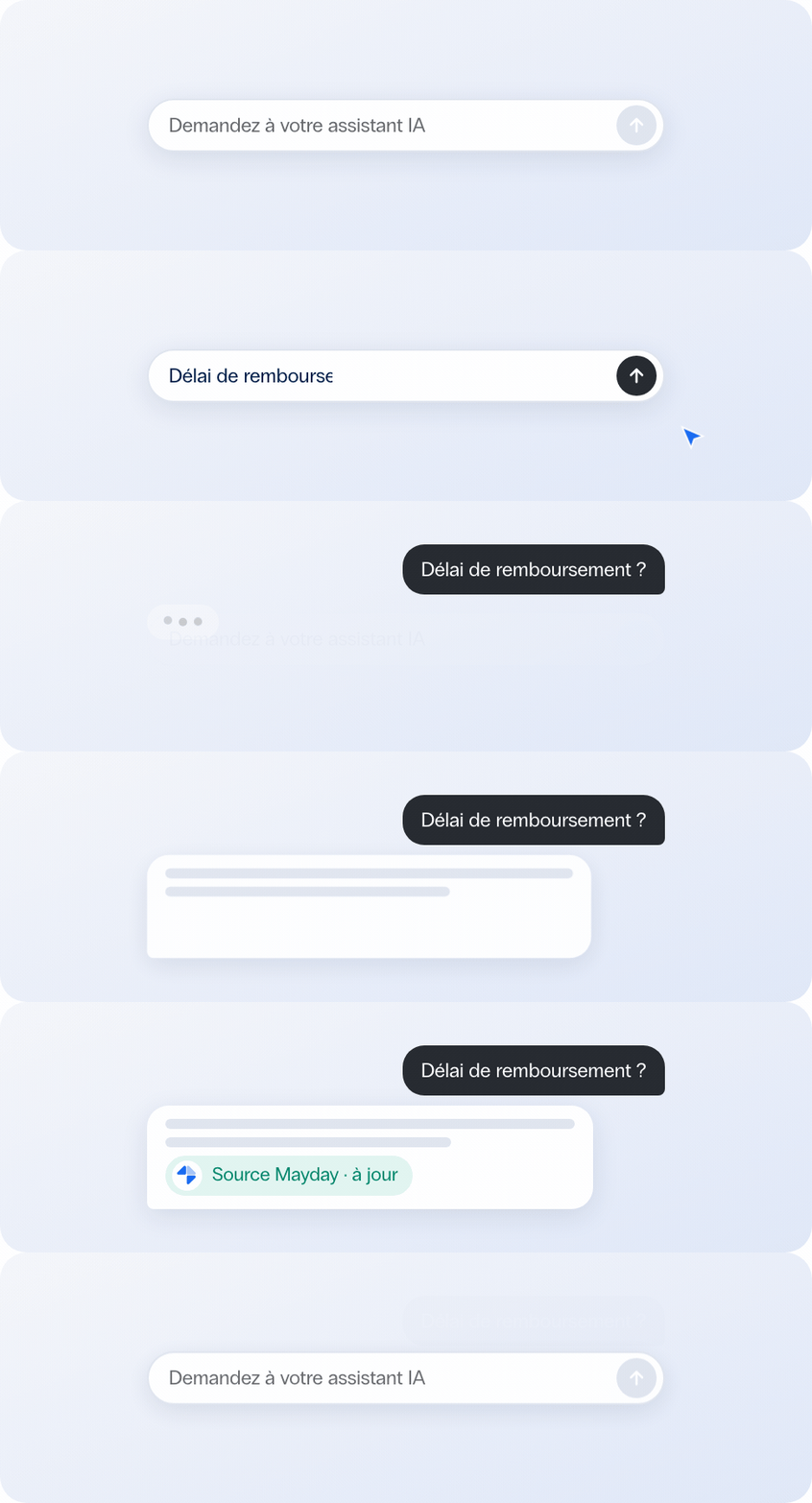
MCP is an open standard: your AI assistant queries your Mayday database directly, without any development required.
The same up-to-date source, regardless of the AI
Who activates knowledge, and where.
For each profile, there are four ways to access Mayday: within Mayday, via native integration, via the API, or via the MCP.
The advisor
He can find the correct procedure without leaving his workspace, with or without the widget.
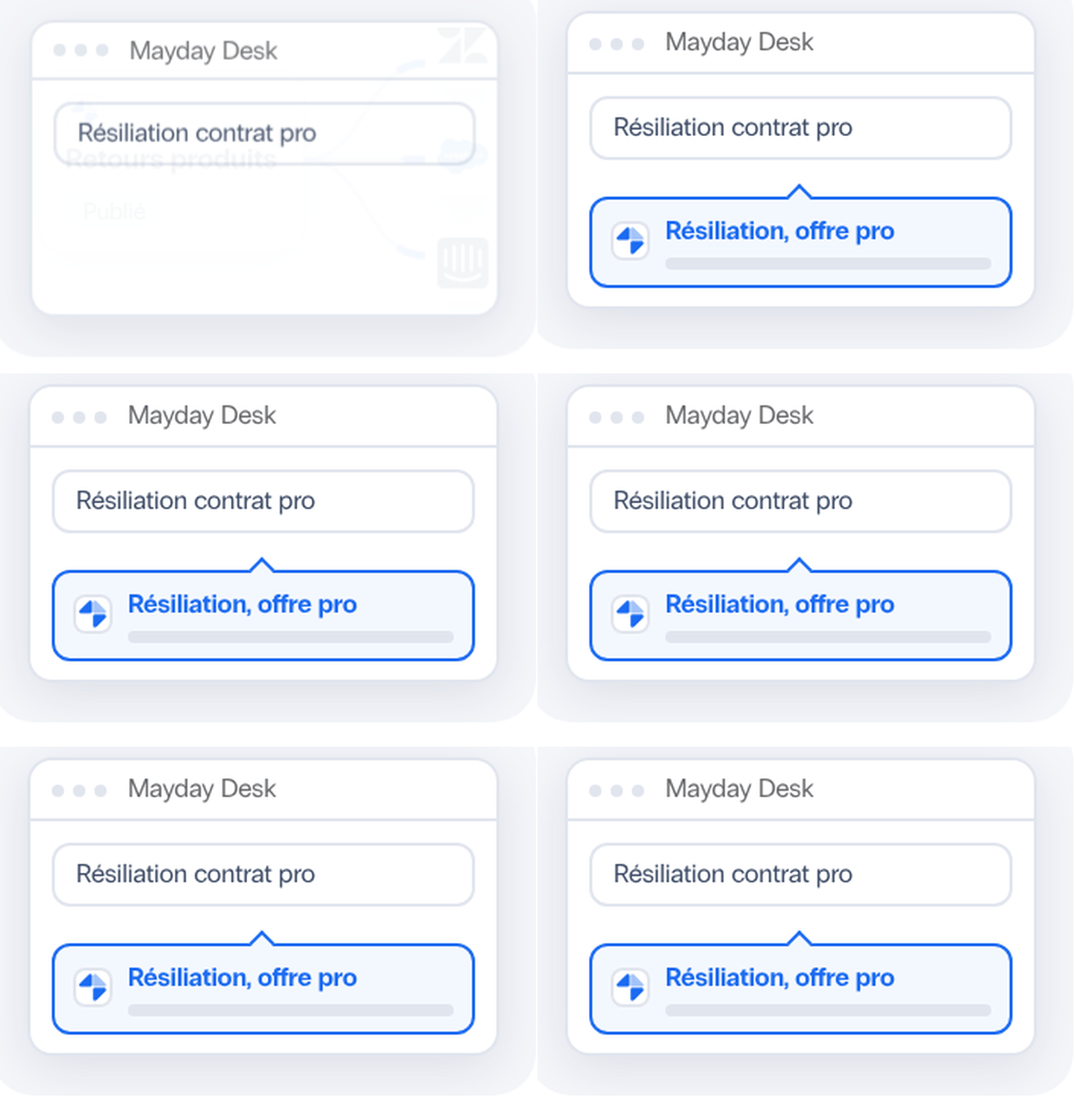
In Mayday Desk, he searches for his records and asks the Genius his questions.
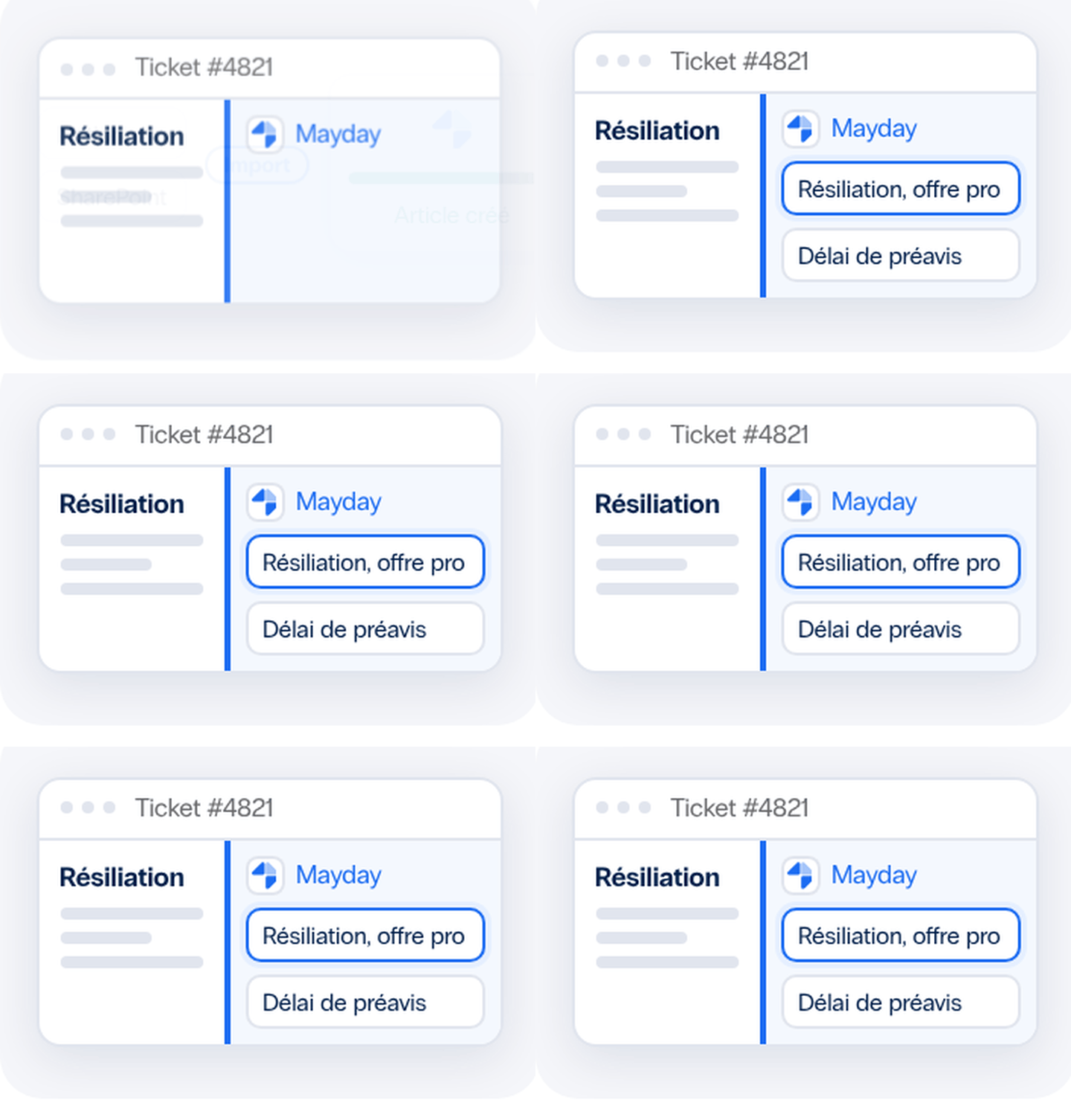
In Zendesk, Salesforce, Intercom, or iAdvize, they view the records in the widget while Genius prepares their response.
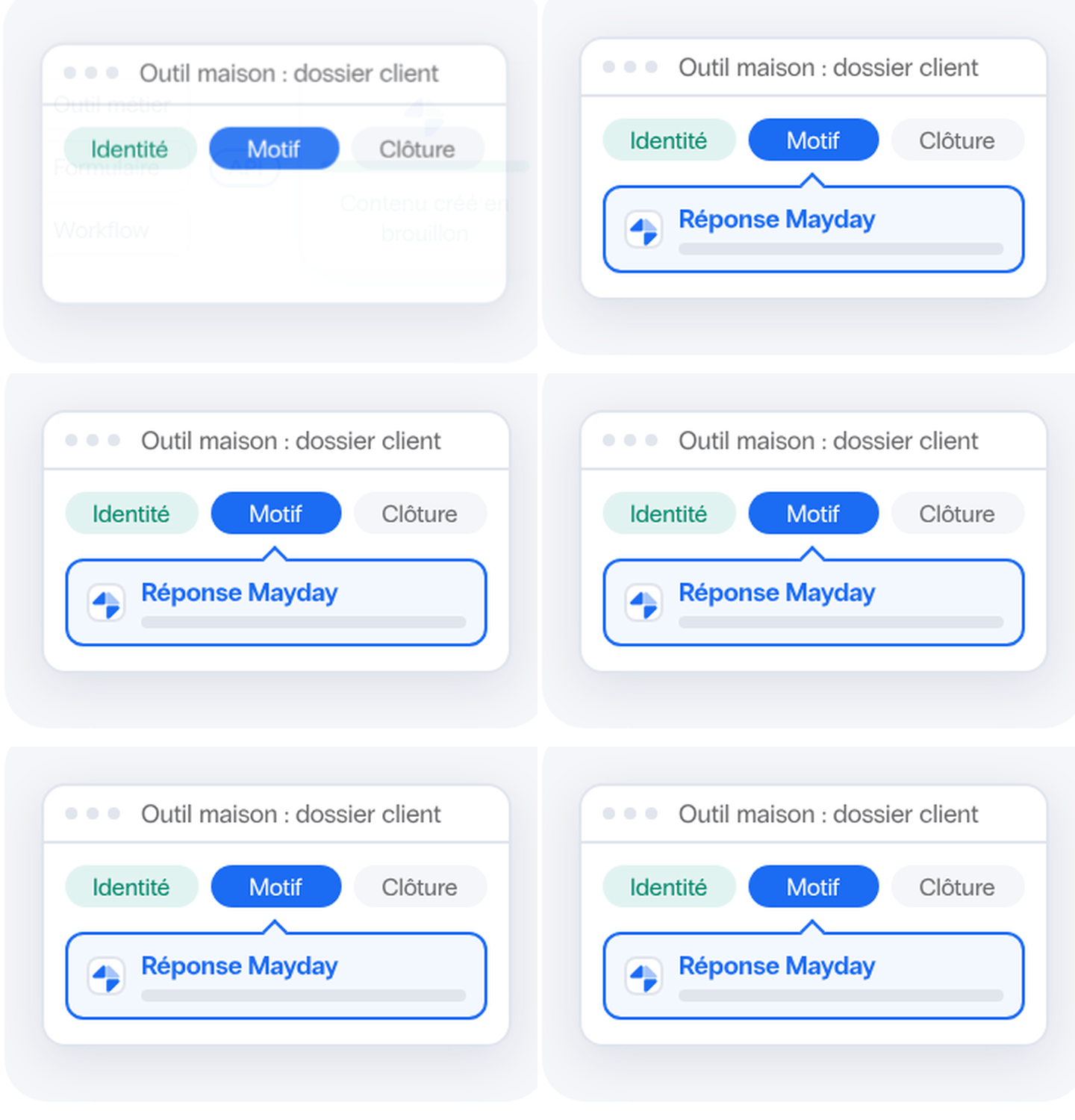
Integrated into his business workflows, Mayday tickets appear in the right place within his in-house tool.
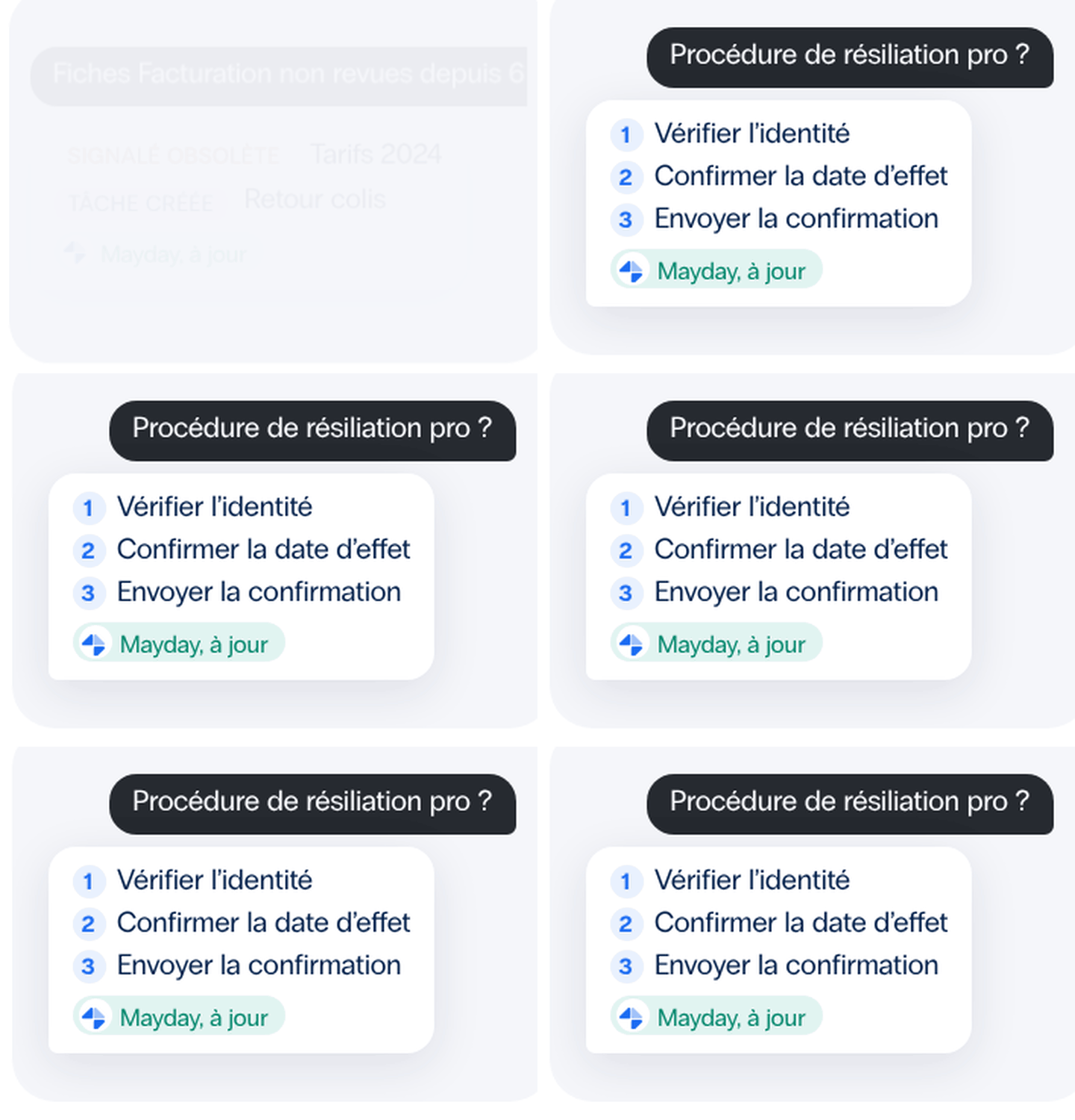
Outside the widget's boundaries, he asks his AI assistant a question and receives the updated Mayday procedure.
The Content Manager
It maintains a fair baseline without creating multiple copies.
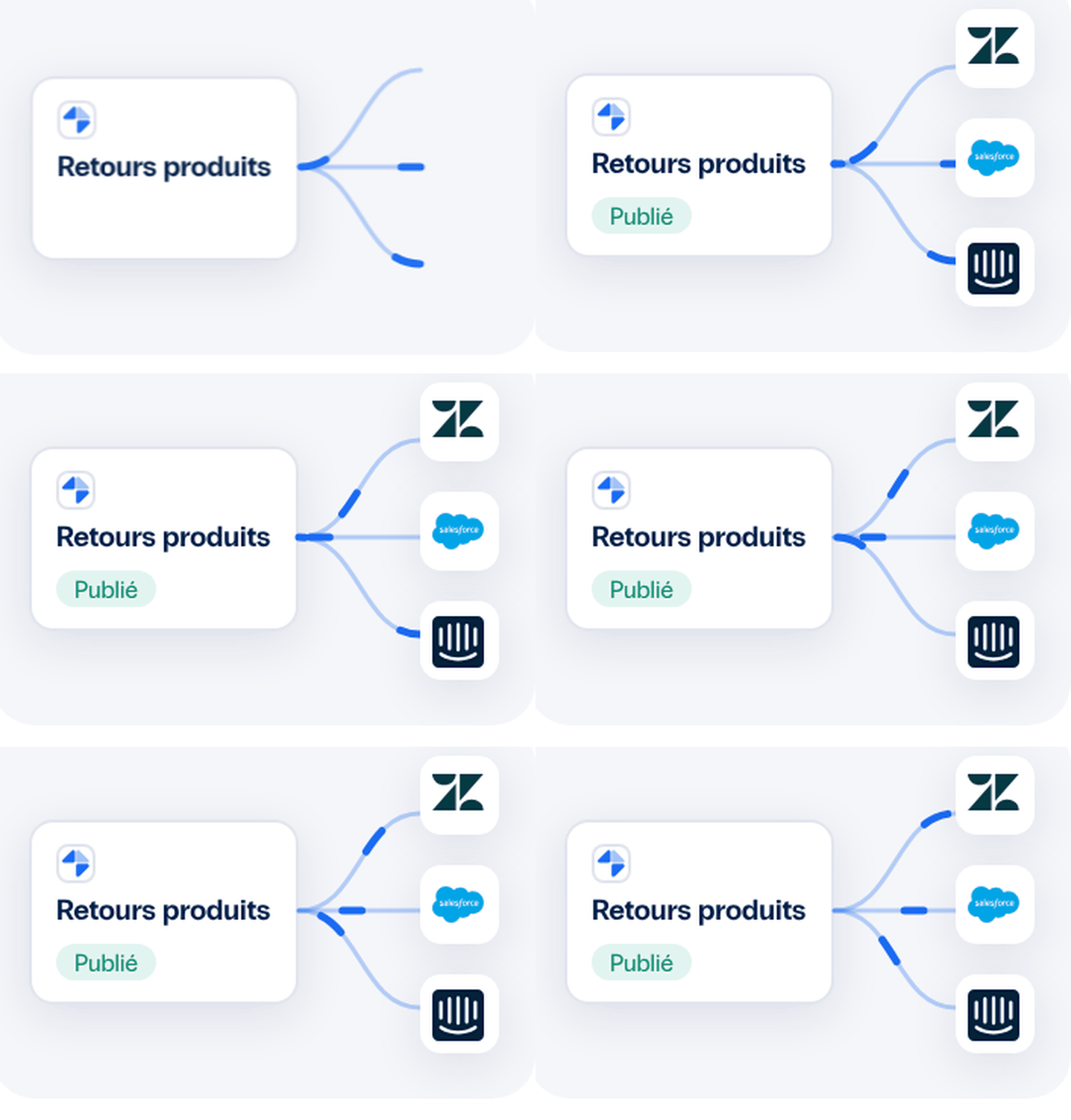
In Mayday, he creates content manually or using the Knowledge Builder agent, then publishes it once to all connected tools.
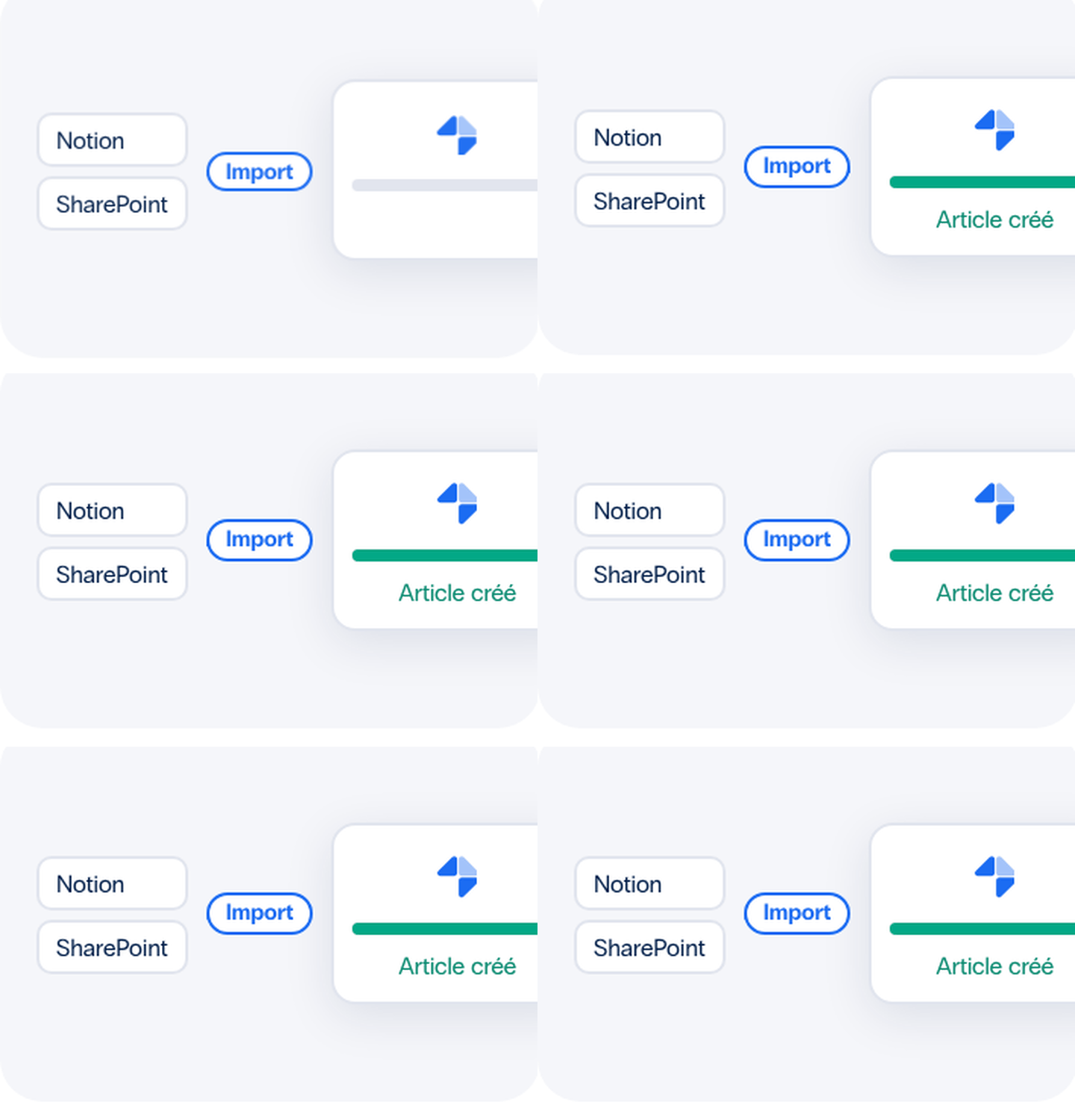
It imports its Notion pages as Mayday articles and makes its SharePoint documents searchable in Mayday.
From another connected device, he creates Mayday content without opening the editor.

Using his AI assistant, he creates or updates his articles using natural language, flags outdated content, and assigns proofreading tasks.
A secure, real-time AI connection to your data.
Every access request is subject to your permissions. The AI only sees what the user or instance is authorized to see.


APIs, MCPs, and CRM Integrations: What Your RFP Requests Call For
Our Commitments to the Security and Compliance of Your Data.
Each connection sees only what the user or instance sees—nothing more.
Your teams and AI agents access the same database, which has been validated by your experts.
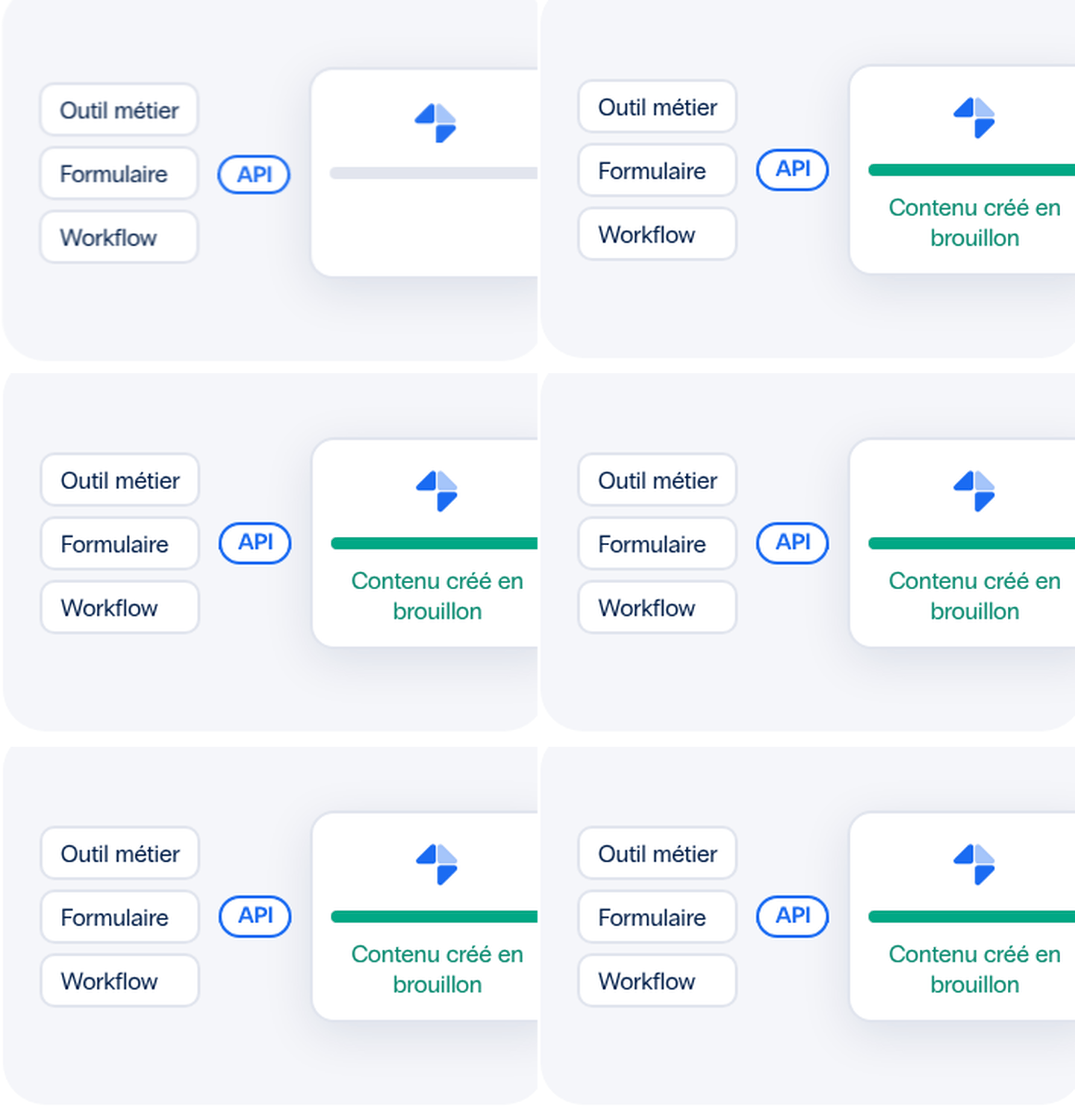
Content created by AI is saved as a draft. You retain control over when it is published.
You enable the tools on a per-instance basis, for both read and write access, and you can disable them for any instance at any time. All other access is denied by default.
Frequently Asked Questions
Mayday Connect in a Few Questions and Answers.
What is Mayday Connect?
Mayday Connect is the natural evolution of Mayday: your knowledge base is no longer limited to Mayday—it’s integrated across all your tools. With the API and the MCP, your teams and AI agents can access the same validated knowledge right where they already work. Less time spent searching, more accurate answers, and happier advisors and customers.
Do we need a developer for the API and the MCP?
As for the API, yes. It exposes endpoints that your developers use to build custom workflows within your tools. The MCP relies on these same endpoints and makes them directly available to your AI tools. Therefore, it requires no development—just authorization from a Mayday administrator and the administrator of your AI tool.
How will the MCP improve my workflows?
The MCP integrates your Mayday knowledge into your AI tools, both for reading and writing. Internally, an advisor can access the correct procedure without leaving their workspace, and a content manager can create or update an article with a simple natural-language request. Externally, your self-care chatbot responds to your customers with up-to-date information. Fewer back-and-forth exchanges, a single source of truth.
Without further development, how does MCP ensure the governance of my knowledge base?
The MCP enforces the rules you’ve already defined in Mayday. With a Knowledge instance, each user logs in with their account and retains exactly the same permissions. A Selfcare instance is limited to reading the public database of the associated Selfcare instance. You choose which tools to enable on a per-instance basis, and AI-generated content is saved as a draft. Find more details in our security commitments, further up on this page.
How do I enable MCP in my knowledge base?
Contact your CSM to choose the type of instance and the volume of requests that best suit your needs. An administrator then creates the instance in Settings > AI > MCP Servers. For a Knowledge instance, your users add the login URL to their AI tool and log in with their Mayday account. For a Selfcare instance, the administrator copies the credentials into your chatbot’s settings.
How can you get a reliable result with the MCP?
For each question, the AI tool queries your Mayday database in real time and draws on your approved content, not a static copy. The quality of the response also depends on the AI tool used and how the request is phrased. To help you, our experts have created a guide to prompts organized by task.
Let's see what your knowledge can do.
Native, API, or MCP: We'll show you how to integrate your database where your teams work.